By Mark Davies, Sales Manager at Kodak Alaris



In today’s digital-first world, scanning has become a critical part of any organisation’s document management strategy. From archiving to compliance and workflow automation, businesses rely on scanning to bridge the gap between paper and digital information.
For print resellers, this presents an important opportunity. While multifunction printers (MFPs/MFDs) are popular for general office use, they are not always the best fit for volume scanning. Relying solely on MFPs for large-scale scanning can lead to frustrated users, overworked machines, and costly service interventions.





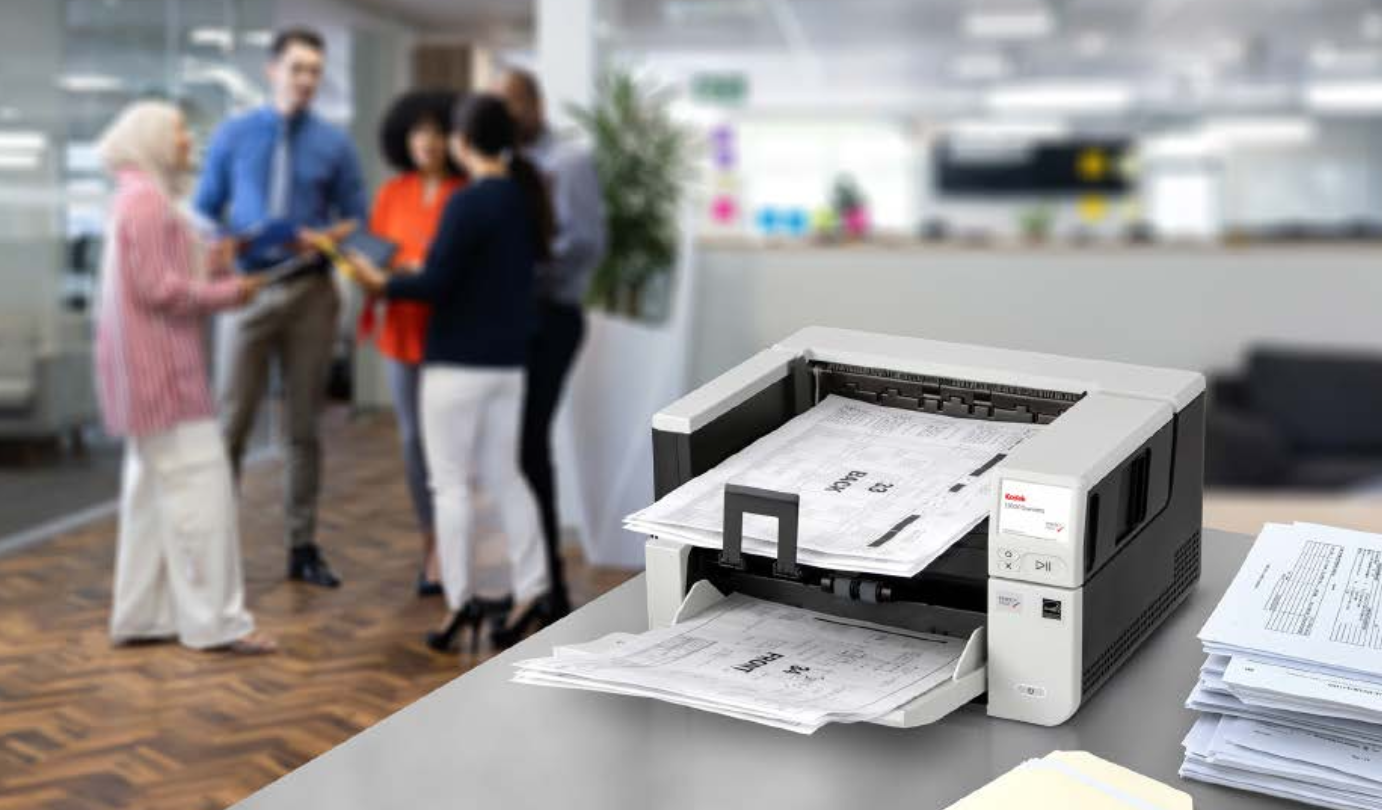
Dedicated scanners – purpose-built for efficiency, quality, and durability – offer a more reliable, profitable, and customer-friendly solution.
The True Costs of Using MFPs for Volume Scanning MFPs appear convenient as an all- in-one device: print, copy, scan, and fax (for those who still use it). For occasional scanning, this works. But for regular, volume scanning, such as digitising archives, processing invoices, or managing HR records, MFPs quickly show their limits.
Consumables Wear Out Faster
MFPs are designed mainly for printing and copying. Their document feeders, rollers, and imaging paths aren’t built for continuous scanning. Pushing thousands of pages per day causes faster wear, dirty sensors, and more breakdowns. Each service call increases costs and reduces margins for resellers.
More Breakdowns, More Downtime
Heavy scanning can make MFPs fail, halting printing, copying, and scanning simultaneously. Customers experience downtime, and resellers face urgent service requests – increasing support costs and reducing customer satisfaction.
Lower Image Quality
MFPs can’t match the optical precision of dedicated scanners. Common issues include skewed images, colour inconsistencies, and misreads on barcodes or fine print. Dedicated scanners deliver consistent, clear images, crucial for businesses in healthcare, finance, and legal sectors. Additionally, when these images are read by OCR, the accuracy rates are low, because the image quality is poor.
Slower Workflows
MFPs scan slower per page and often require manual adjustments. Dedicated scanners can process hundreds of pages per minute, integrate directly into document management systems, and streamline workflows – saving time and reducing bottlenecks.
Moreover, when items are scanned to email they’re typically split across multiple sends to accommodate for large file sizes, meaning inboxes are swamped.
Limited Billing Opportunities
Scanning on MFPs is usually treated as “free,” with no easy way to track or charge for usage. Resellers risk lost revenue opportunities as print volumes decline. Dedicated scanning solutions open the door for new billing and service models.
Why Dedicated Scan Should Be in Your Roadmap Dedicated scanners offer more than hardware reliability – they improve outcomes and create new value for both customers and resellers.
Built for High Volumes
Purpose-built scanners handle thousands, if not hundreds of thousands of pages daily. Robust rollers, sensors, and self-cleaning mechanisms reduce maintenance needs, lower total cost of ownership, and improve uptime.
Superior Image Quality
Scanners from Kodak Alaris, use advanced image processing like Perfect Page to enhance clarity, colour, and contrast automatically. OCR, data extraction, and archival workflows are far more accurate than with MFPs. In addition to this, these optimised images are up to 30% smaller in file size than MFP scanned images, meaning that less storage is needed for more images.
Faster Throughput
Many dedicated scanners process 30–210 pages per minute with automatic duplex and multi-feed detection. Direct integration with software such as KODAK Capture Pro or KODAK Info Input Solution ensures scanned data flows seamlessly into systems, saving time and reducing errors.
Lower Service Burden for Resellers
Dedicated scanners are more durable and reliable, resulting in fewer engineer callouts and predictable service contracts. Resellers can focus on proactive solutions and workflow consulting rather than reactive repairs.
New Revenue Opportunities
As print volumes decline, offering dedicated scan helps resellers diversify.
Bundling scanners with capture software and managed services creates new revenue streams and strengthens customer relationships, as well as adding more to your bottom line.
Customer Advantages
For organisations, dedicated scanners are more than devices – they’re productivity tools. Employees can complete scanning tasks faster and more accurately, IT teams benefit from reduced downtime, and compliance officers gain audit-ready, high-quality images.
In short, using the right tool for volume scanning improves efficiency, accuracy, and user satisfaction across the board.
Conclusion: The Future Is Dedicated
Encouraging customers to rely solely on MFPs for heavy scanning may seem convenient, but it leads to greater wear, more service calls, and lower margins. Dedicated scanners offer a better path – for both customers and resellers.
By helping clients select the right Kodak Alaris scanner, resellers can deliver productivity gains, reduce total cost of ownership, unlock new service and software revenue opportunities and position themselves as trusted partners in digital transformation.